![Wide C2 Accounting Logo.png]](https://help.c2-acctg.com/hs-fs/hubfs/Wide%20C2%20Accounting%20Logo.png?height=50&name=Wide%20C2%20Accounting%20Logo.png)
This article covers how to run a bonus payroll in Gusto. Before you begin, decide whether the employee will receive a gross bonus or a net bonus, and whether the bonus will be paid via direct deposit or check.
Below are a couple of options, assuming a $1,000 bonus:
Gross vs Net
- Employee nets $1,000 - To guarantee the employee receives exactly $1,000, you (the employer) gross up the bonus so that after all applicable payroll taxes are withheld, the employee's take-home amount equals $1,000.
- Employee grosses $1,000 - The employee receives $1,000 as the pre-tax (gross) amount. Their actual take-home pay will be less, after federal, state, and applicable local taxes are withheld.
Check vs Direct Deposit
- Direct Deposit - The employee will receive the bonus via direct deposit.
- Physical Check - The employee will receive the bonus via a check you write or print.
How to run a bonus payroll
Once you have decided on gross vs. net and check vs. direct deposit, follow the steps below based on whether C2 Accounting manages your payroll or you manage it yourself in Gusto.
- C2 Accounting Managed Payroll - If C2 Accounting & Business Support manages payroll on your behalf, please provide the following information: Contact us via email or through your client portal to submit these details.ase let us know:
- How much you are paying each employee
- Whether the amount is gross or net.
- How you want them to be paid; either check or direct deposit.
- Self-Managed Payroll - If you manage your business payroll yourself in Gusto, please see this link to this help article: Gusto Bonus Payrolls.
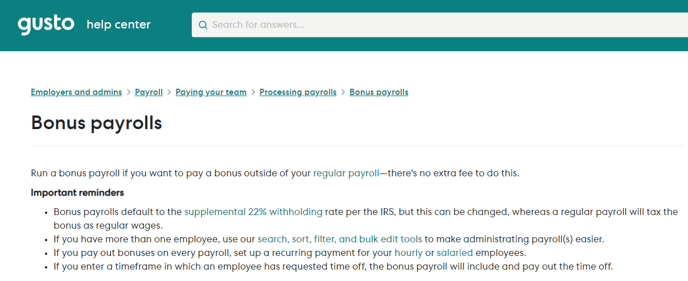
Note: The screenshot above was captured in December 2023 and may not reflect the most current Gusto interface. Please refer to Gusto's Bonus Payrolls help article for the latest guidance.